Plots and members
A plot is what you bill: a flat, a garden plot, a garage or a parking space. A member is the person who holds it. You can add both before anyone has signed up.
1. Add members
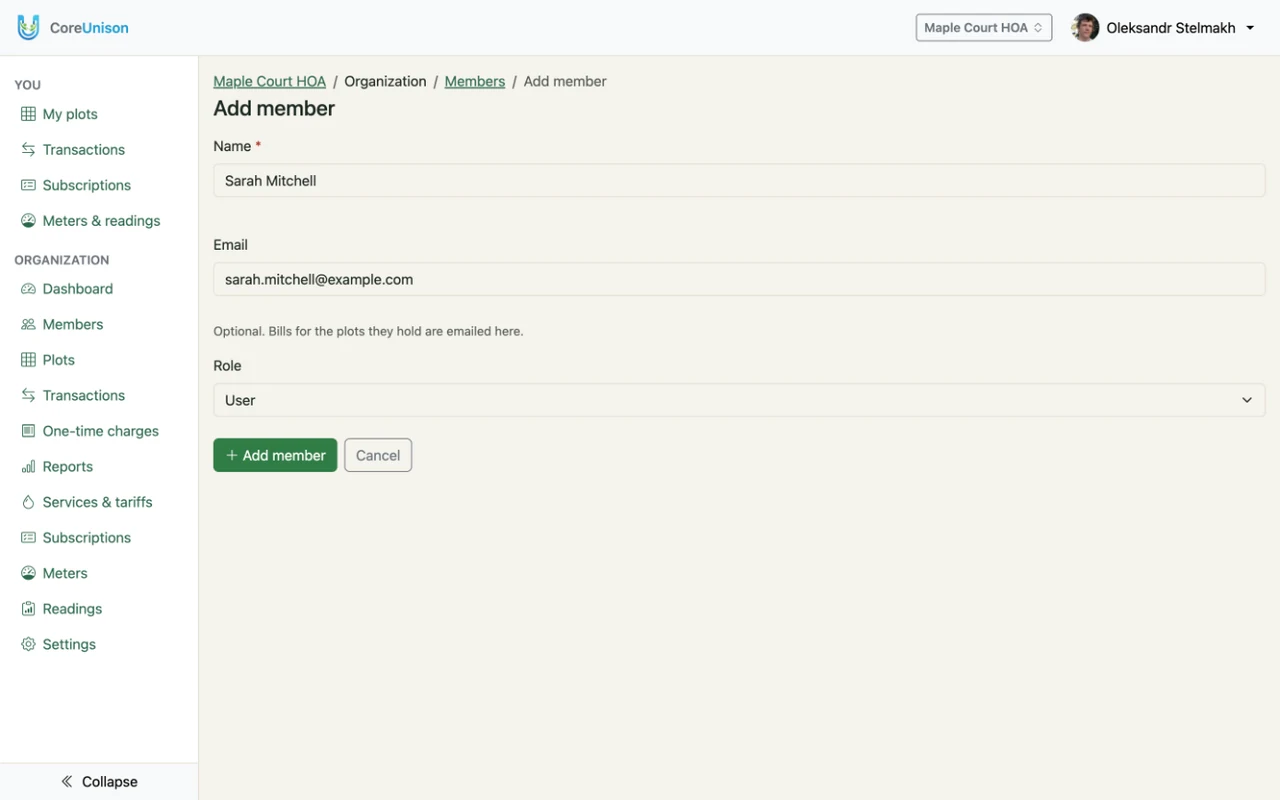
- Open Members and click Add member.
- Enter the Name, choose the Role — Admin, Accountant or User — click Add member and confirm.
- The member shows No login yet until their join request is attached to them. Everything you record for them in the meantime stays.
2. Add plots
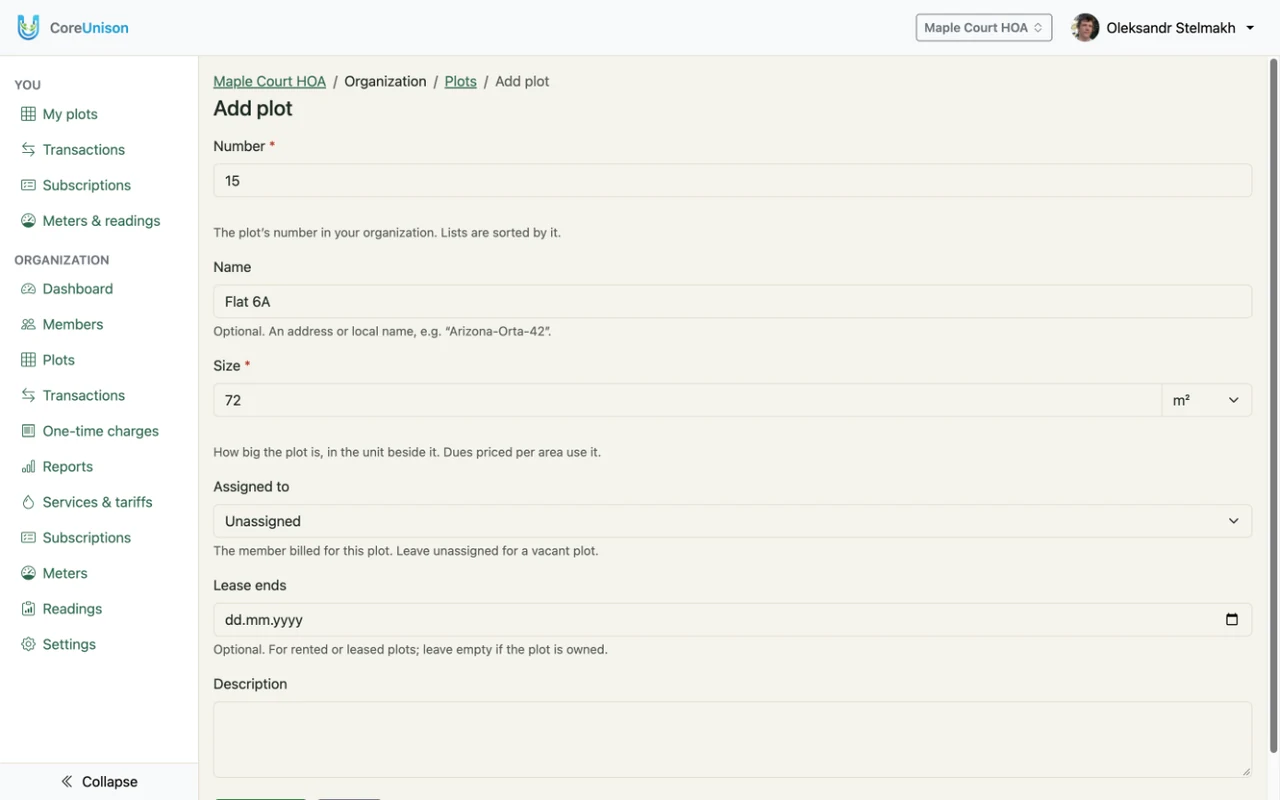
- Open Plots and click Add plot.
- Enter the Number and the Size with its unit: m², sotka, ha, ft², acre, or No unit for a plain count. Name, Lease ends and Description are optional.
- Choose the member in Assigned to, or leave it Unassigned, and click Add plot.
3. When a plot changes hands
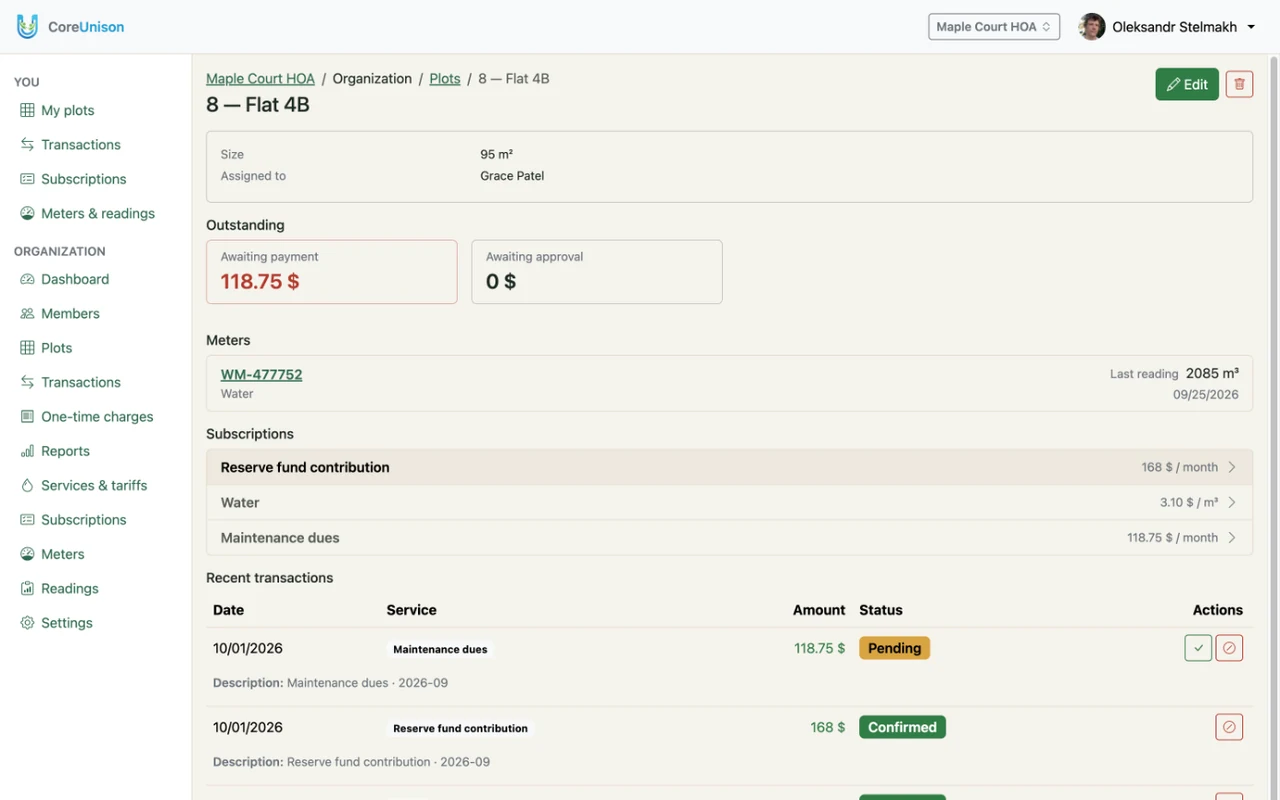
Open Plots, click the pencil on the row, change Assigned to and click Save. The plot keeps its charges, readings and history; the new holder sees it under You → My plots.
Good to know
- Each plot number is used once per organization, and the size must be above zero.
- A plot with no holder is still billed: its debt stays with the plot until someone takes it over.
- Services priced by plot size need the plot's size in an area unit — a plot measured as a plain count can't be charged by area.