One-time charges
A road repair, a new transformer, a roof: one cost shared by several plots. A one-time charge splits it and gives each plot its share.
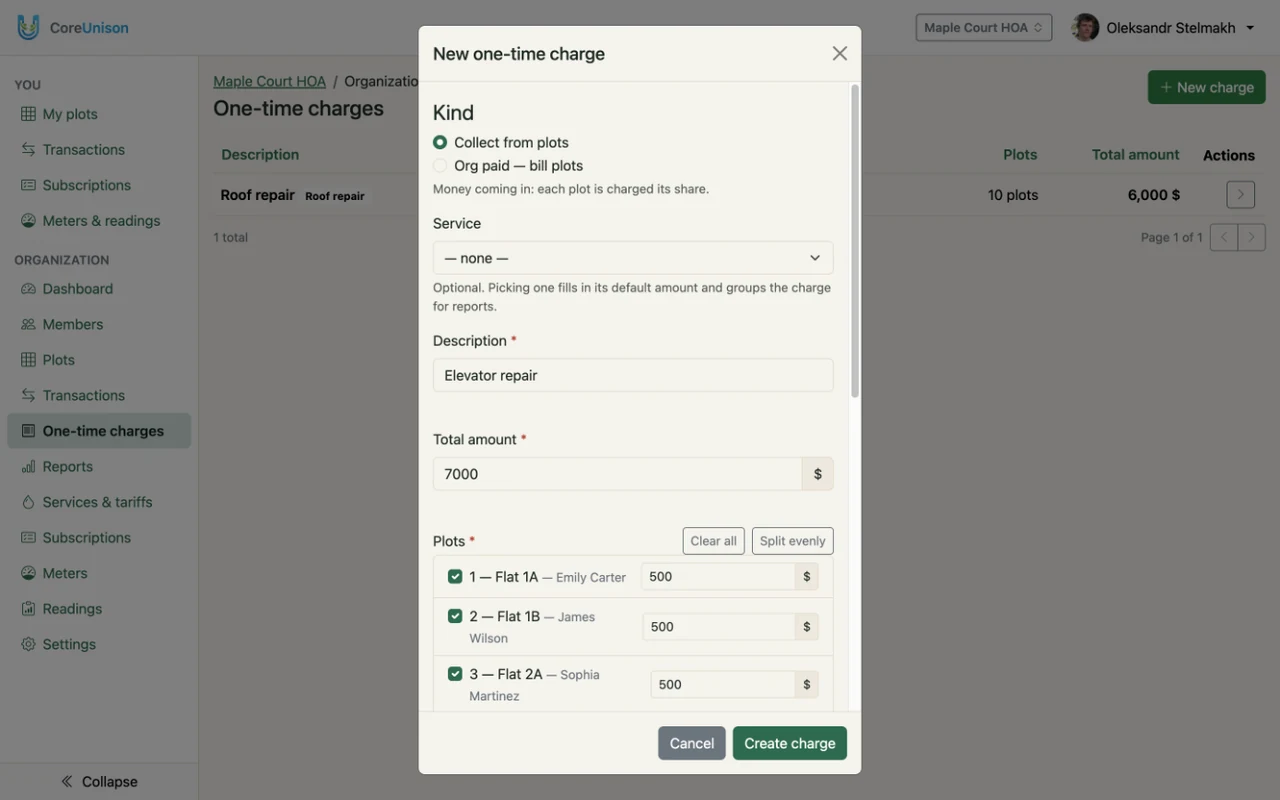
1. Create the charge
- Open One-time charges and click New charge.
- Choose the Kind: Collect from plots for money coming in, or Org paid — bill plots when the organization has already paid — that records the expense and bills each plot its share.
- Optionally pick a one-time service, which fills in the amount and description. Enter the Description and the Total amount.
- Tick the plots, or click Select all. The total is split evenly; edit any Share, or click Split evenly again. The shares must add up to the total.
- Click Create charge.
2. Follow the payments
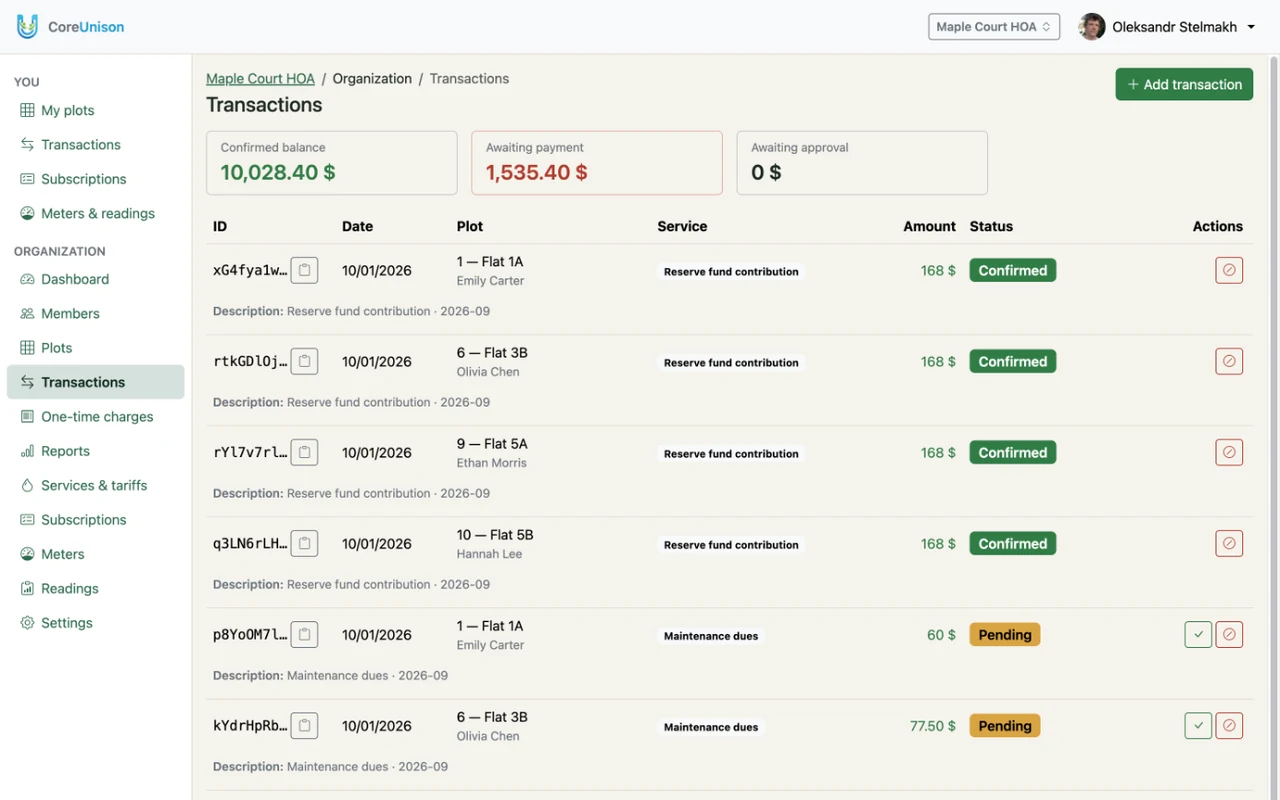
Every chosen plot gets a pending charge for its share. Expand the charge in the list to see how much has come in — "800 USD of 2,000 USD confirmed" — and which plots still owe.
Good to know
- Shares don't have to be equal — a corner plot or a bigger garage can pay more.
- Members who pay late keep their share as debt on their plot until it is confirmed.