Roles and handing over
Boards change. CoreUnison makes sure the records stay with the community, not with the people who happened to keep them.
Roles
- Admin — everything: members, plots, services, approving readings, settings.
- Accountant — sees the whole organization, confirms and voids payments, adds transactions and one-time charges, and submits readings; doesn't add or change members, plots, services, meters or subscriptions, or approve readings.
- User — sees their own plots, meters and charges, submits readings and marks payments.
To change a role, open Members, edit the member, pick the Role and click Save. The owner is always an admin.
Public or private
In Settings, the Organization type decides how open it is. In a Private organization members see only their own records. In a Public one they also see the organization's dashboard: what came in and where it went.
Handing over to the next chair
- The next chair needs a login in the organization: approve their join request first.
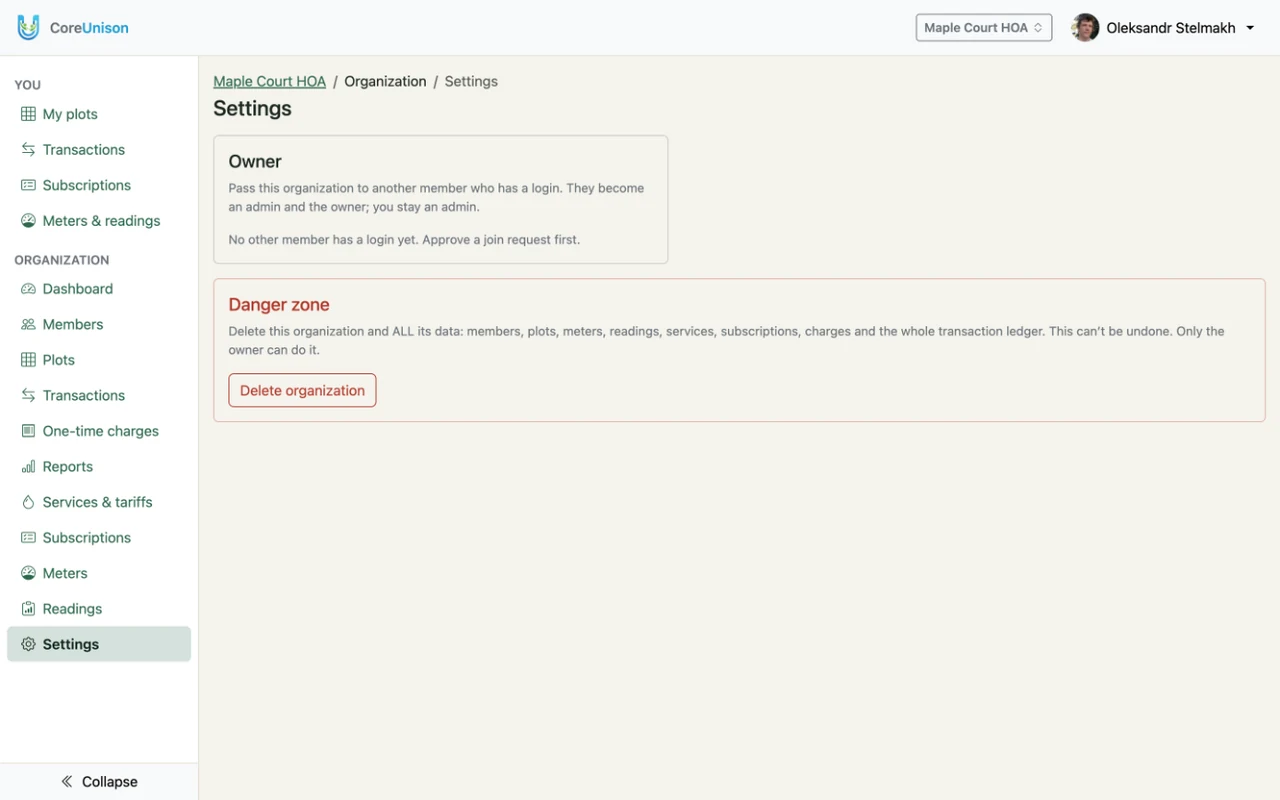
- As the owner, open Settings and, under Owner, pick them in Choose the new owner and click Transfer ownership, then confirm.
- They become the owner and an admin. You stay an admin, so they can change your role when the handover is done.
Deleting
- An organization: only the owner can, in Settings under the danger zone, with Delete organization. Everything in it is removed.
- Your account: in your Profile, Delete account. While you own an organization, hand it over or delete it first. Your member records stay with each organization as "No login yet", so its history stays complete.