Tracking shared costs in your community: where to start
Most communities keep their books in a notebook, a spreadsheet and a group chat. With a handful of members, that works. Then readings go missing, someone pays for their neighbour, and the treasurer spends evenings reconciling sheets. Here are five steps to put things in order.
1. List your units
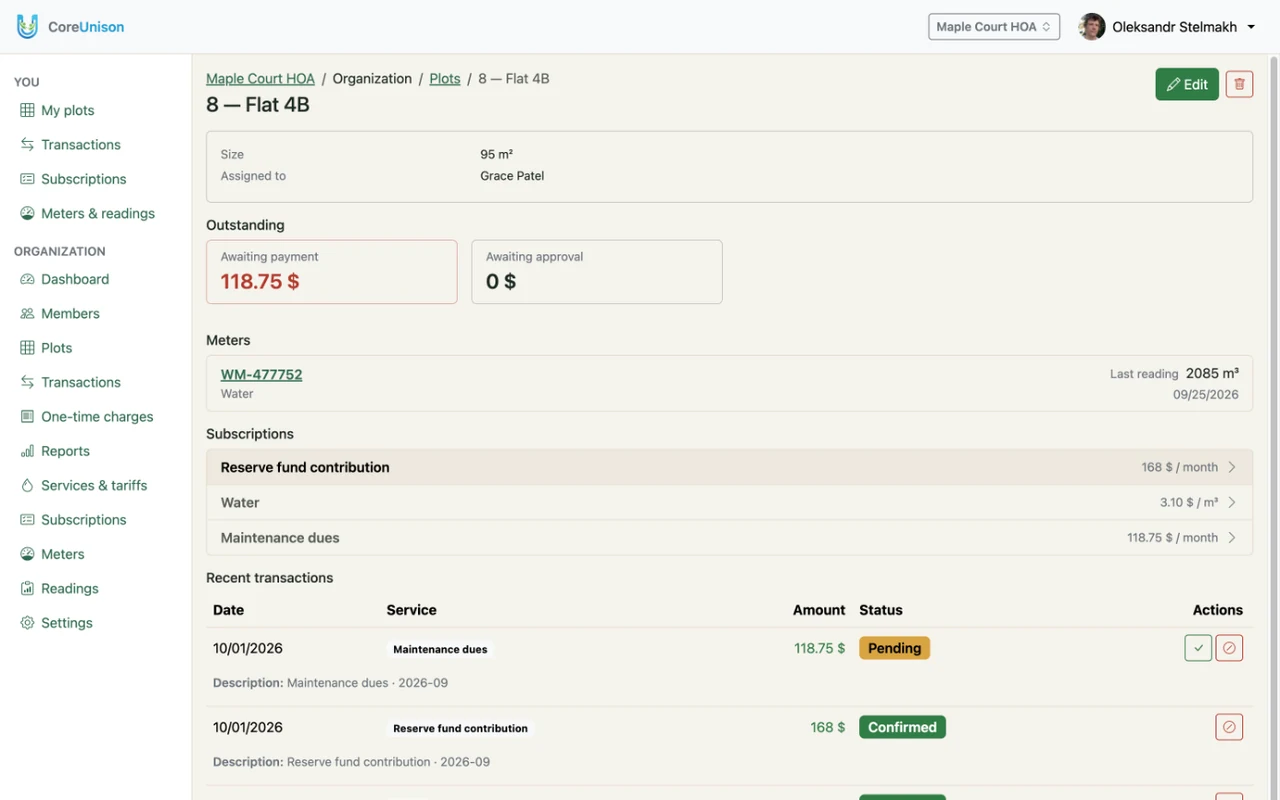
A unit is whatever you bill: a flat, a garden plot, a garage, a parking space or an office. For each one, note its number, its area (if dues go by area) and who holds it today.
One rule matters most: balances and history belong to the unit, not the person. When a unit is sold or a tenant changes, nothing is lost, and the new holder doesn't inherit someone else's debt.
2. Describe what you pay for
Almost every shared cost falls into one of three types:
- Metered — water, electricity, gas: reading × tariff.
- Monthly — dues, rent, security, waste collection: a fixed amount per unit or by its area.
- One-off — a road repair, a new transformer, repainting the stairwell: a total split across the units it applies to.
Set a tariff for each service, and keep it where everyone can see it.
3. Decide who does what
- The chair or a board member sets up the community and approves new members.
- The accountant or treasurer checks readings and records payments.
- Members submit their own readings and see their own balance.
With clear roles, nobody does the work twice, and nobody sees what they shouldn't.
4. Agree on the rules
- The day of the month readings are due.
- Where to pay: recipient, IBAN or account number, card number.
- Whether every member sees the community's overall income and spending.
Rules agreed up front settle most disputes before they start.
5. Move everything to one place
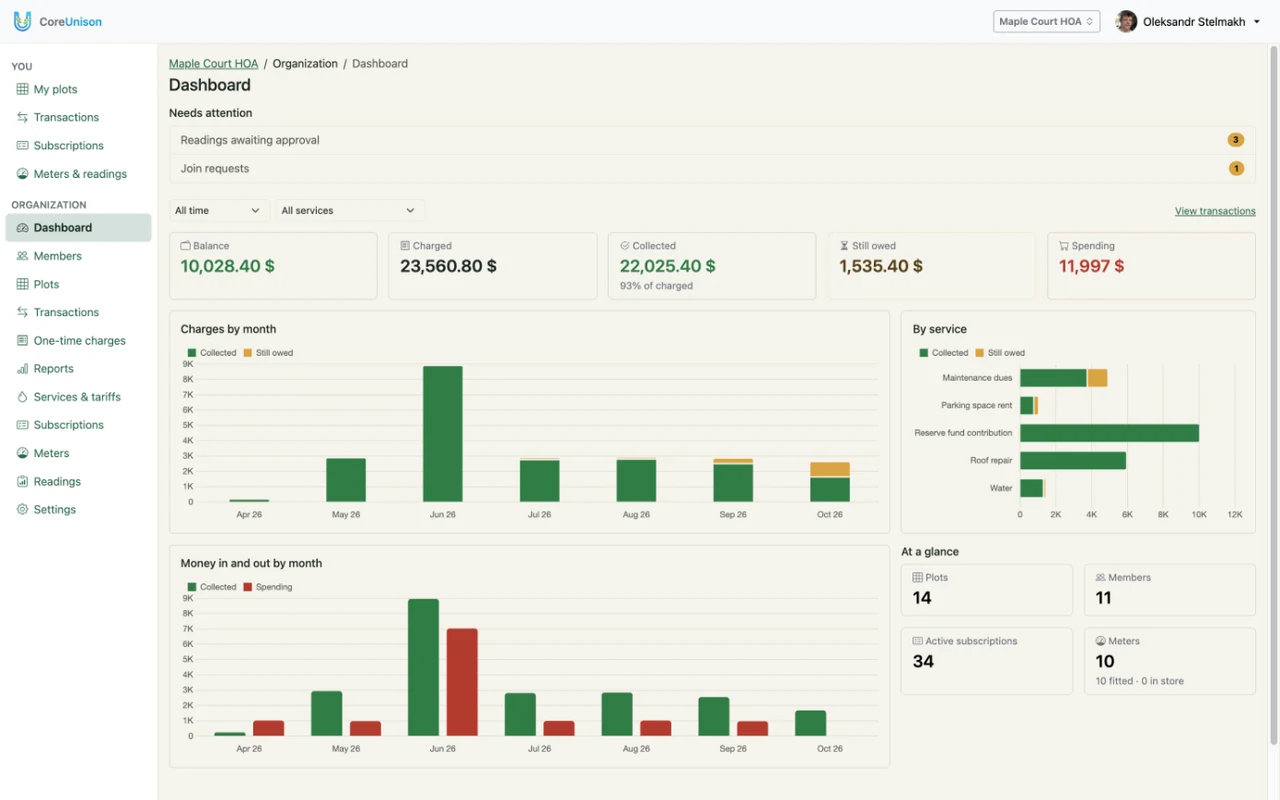
A shared spreadsheet beats a notebook, but it's easy to break, and members see either everything or nothing. In CoreUnison you enter units, services and tariffs once, and from then on:
- monthly dues and rent are billed automatically on the 1st;
- members submit readings from their phone, the board approves them, and each becomes a charge;
- each new charge reaches the member by email, with the payment details;
- everyone sees their own charges, payments and balance.
What next
See how it works for an HOA, a garden community or a garage co-op, or browse all features.
Get started free